
Authentic WhatsApp layout
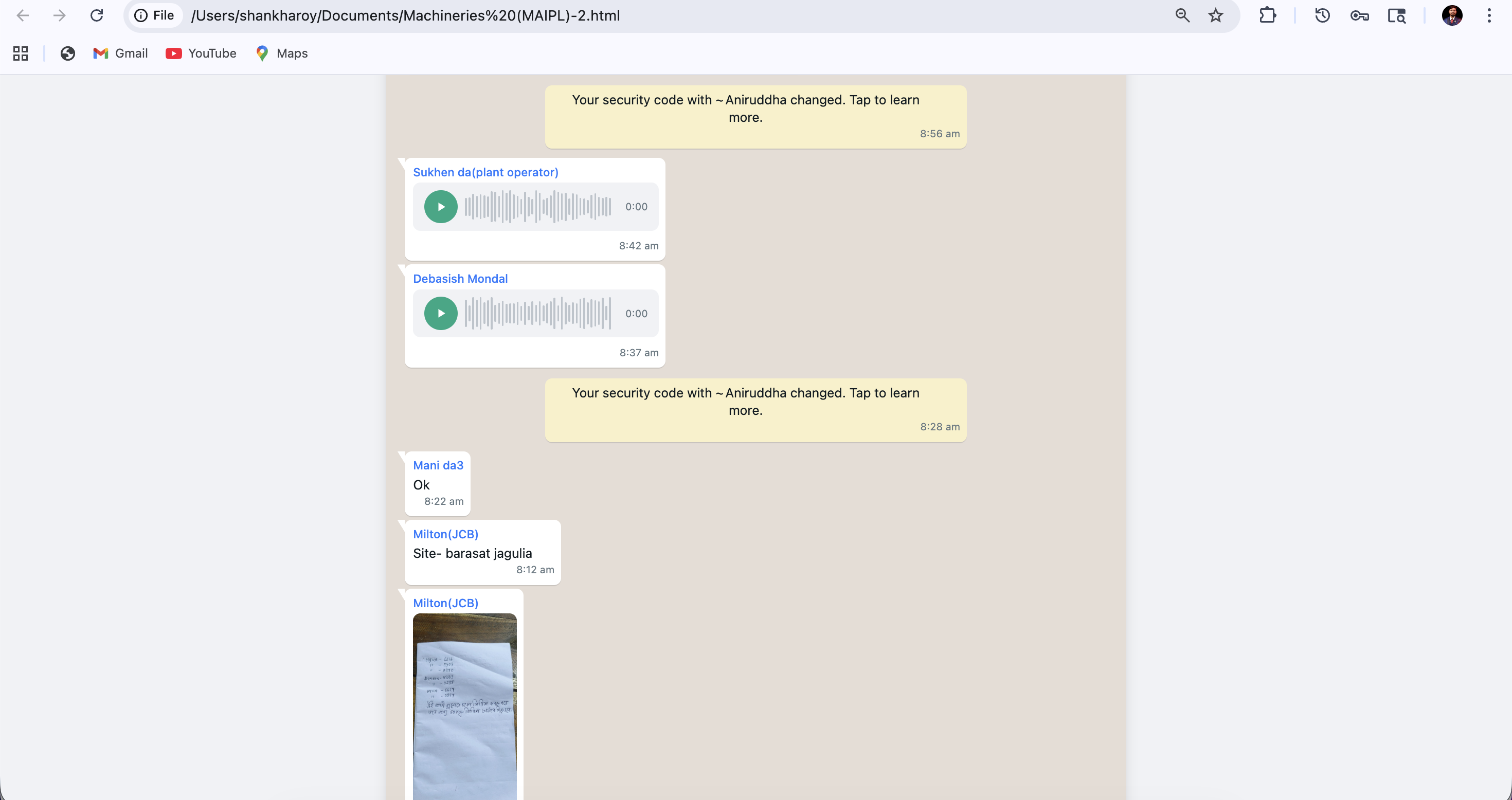
Bubbles, timestamps, date dividers and sender colours, just like the app. Choose View as to see the chat from any participant's side.

 Scan with your iPhone camera
Open any WhatsApp export (.txt or .zip) in a familiar chat layout. Search, filter and browse photos, videos and documents. Your file is read by your browser and never uploaded.
Drag & drop your chat export here
.txt or .zip (with media) · up to 5 GB
 Read and export chats on your iPhone
WaChat2PDF for iPhone & iPad: chats to PDF on your device, nothing uploaded.
No app to install and no account to create.
In WhatsApp, open the chat and choose Export chat. Pick Include media to see photos and files.
Drop the .txt or .zip file onto this page. It is unpacked and read entirely inside your browser.
Scroll the conversation, jump to any date, filter by sender, browse media, and export a PDF when you need a copy.
Built for long, media-heavy conversations, from family groups to business records.
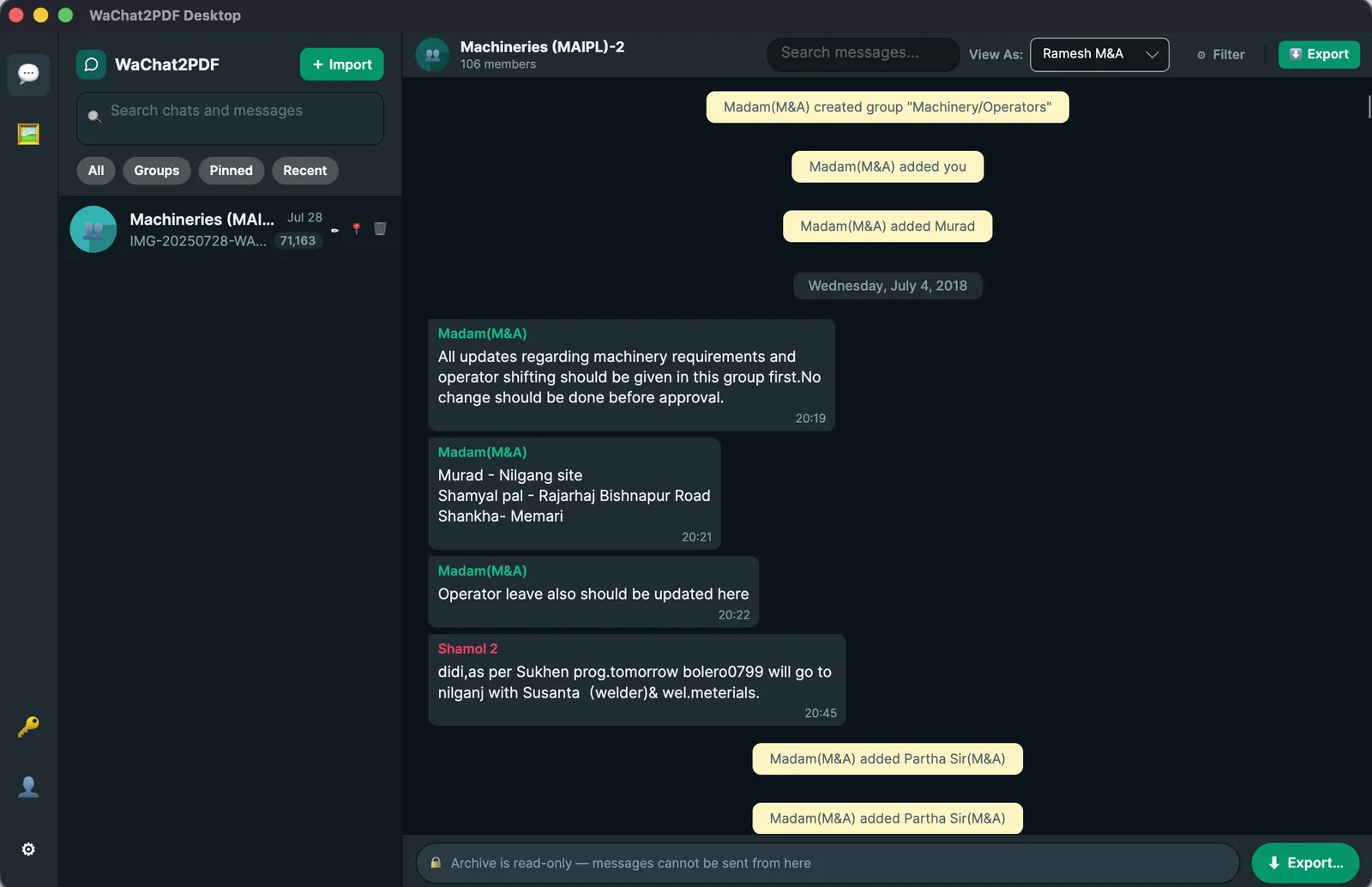
Bubbles, timestamps, date dividers and sender colours, just like the app. Choose View as to see the chat from any participant's side.
Upload the .zip export and every image, video, voice note and PDF appears inline, right where it was sent.
Find any word or phrase across thousands of messages, with a live result count.
Narrow down by sender, a specific date, a date range or month, or show only messages with media.
Browse all images, videos, audio, documents and links from the chat in one organised, searchable place.
See total messages, media, participants and active days at a glance, plus who talks the most.
WaChatViewer runs entirely in your browser. To view a chat, the file is opened locally and is never sent to a server, so there is nothing for anyone else to see or store.
Your chat is unpacked and read on your own computer or phone.
No sign-up and no copies of your messages kept anywhere.
Only if you choose to export a PDF are the selected messages sent securely to WaChat2PDF to create it.
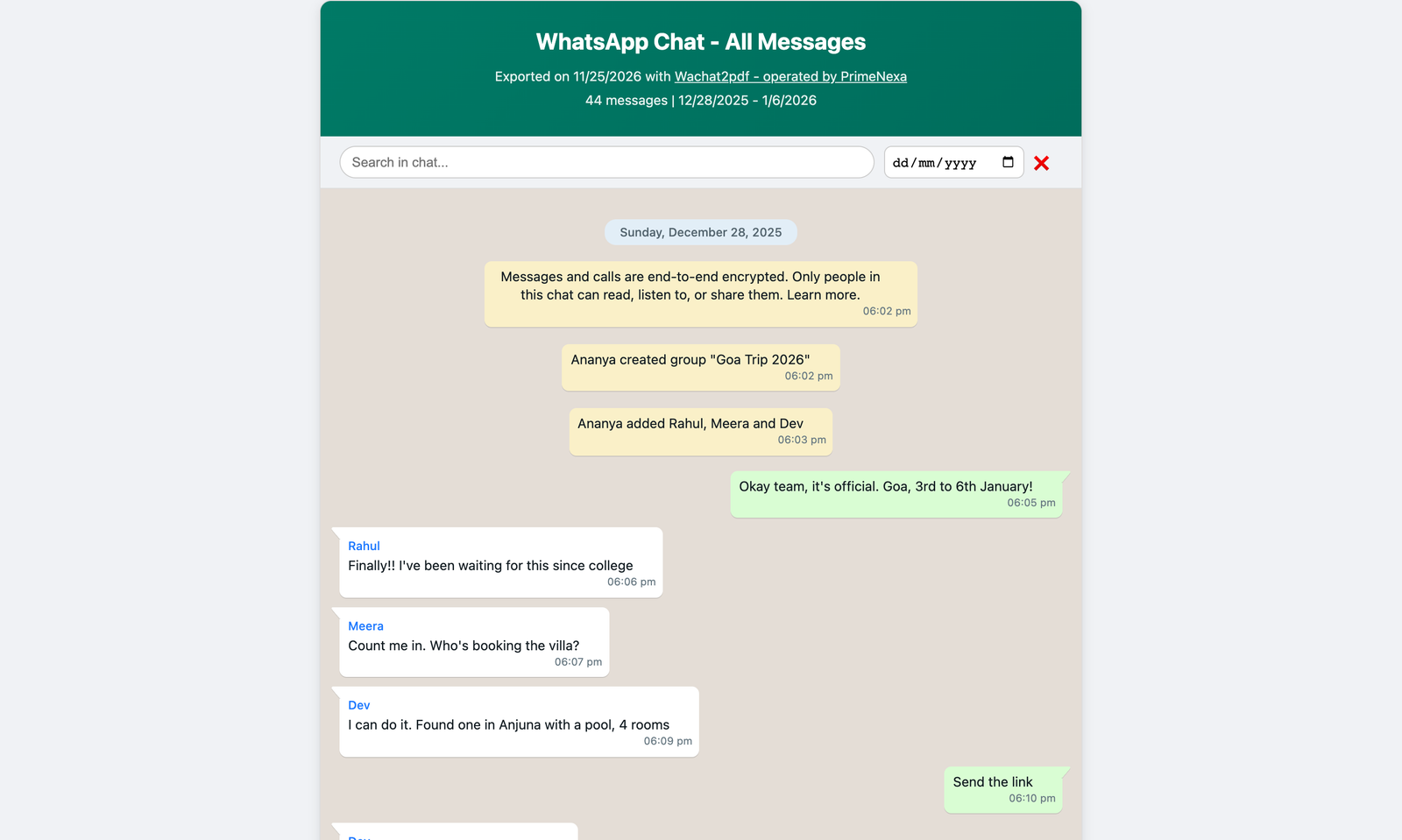
Turn any chat into a clean, shareable document for your records, a client or a court, with the WhatsApp look preserved. Convert your WhatsApp chat to PDF in a few clicks.
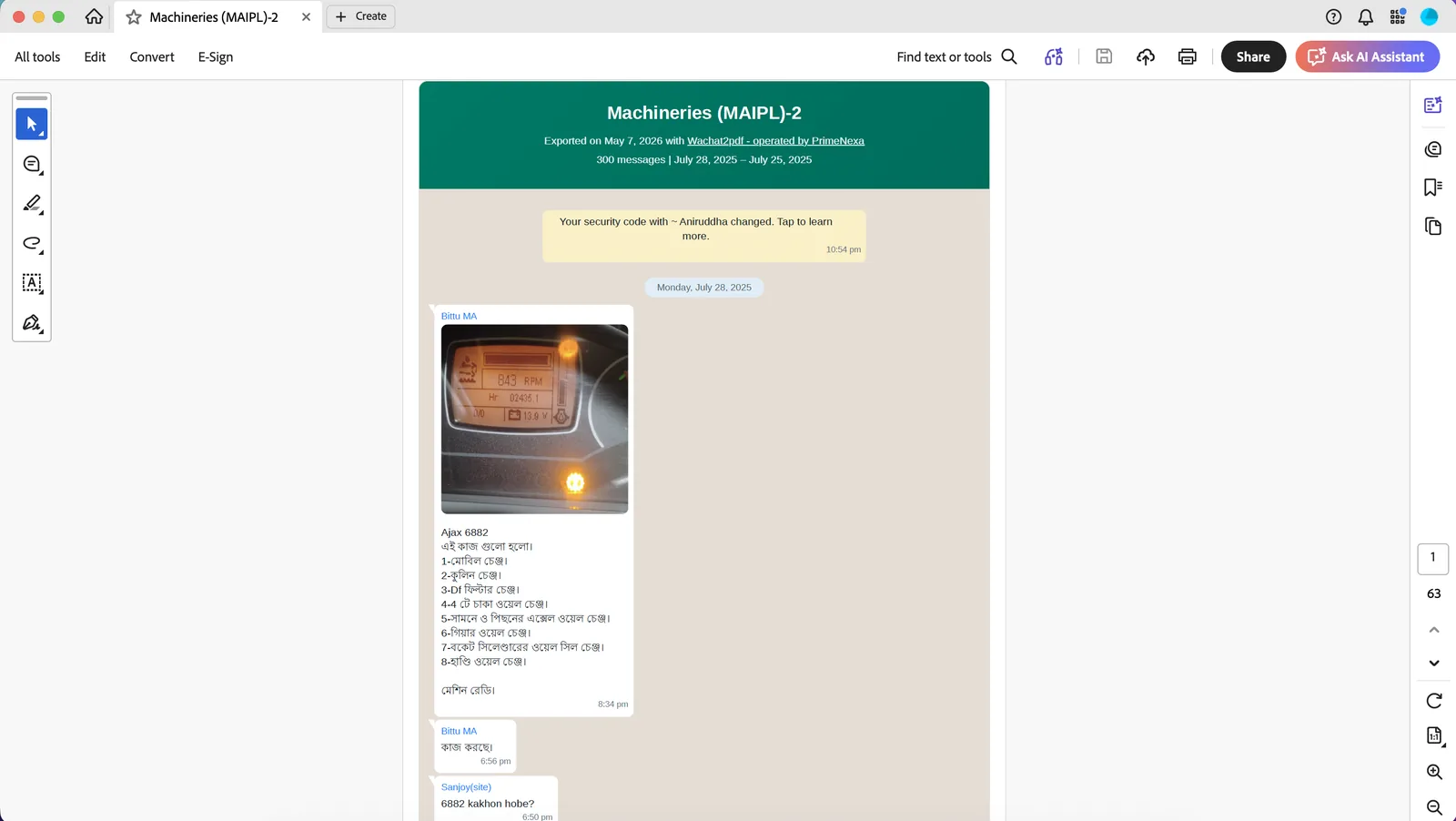
The full toolkit for viewing, filtering and exporting conversations.
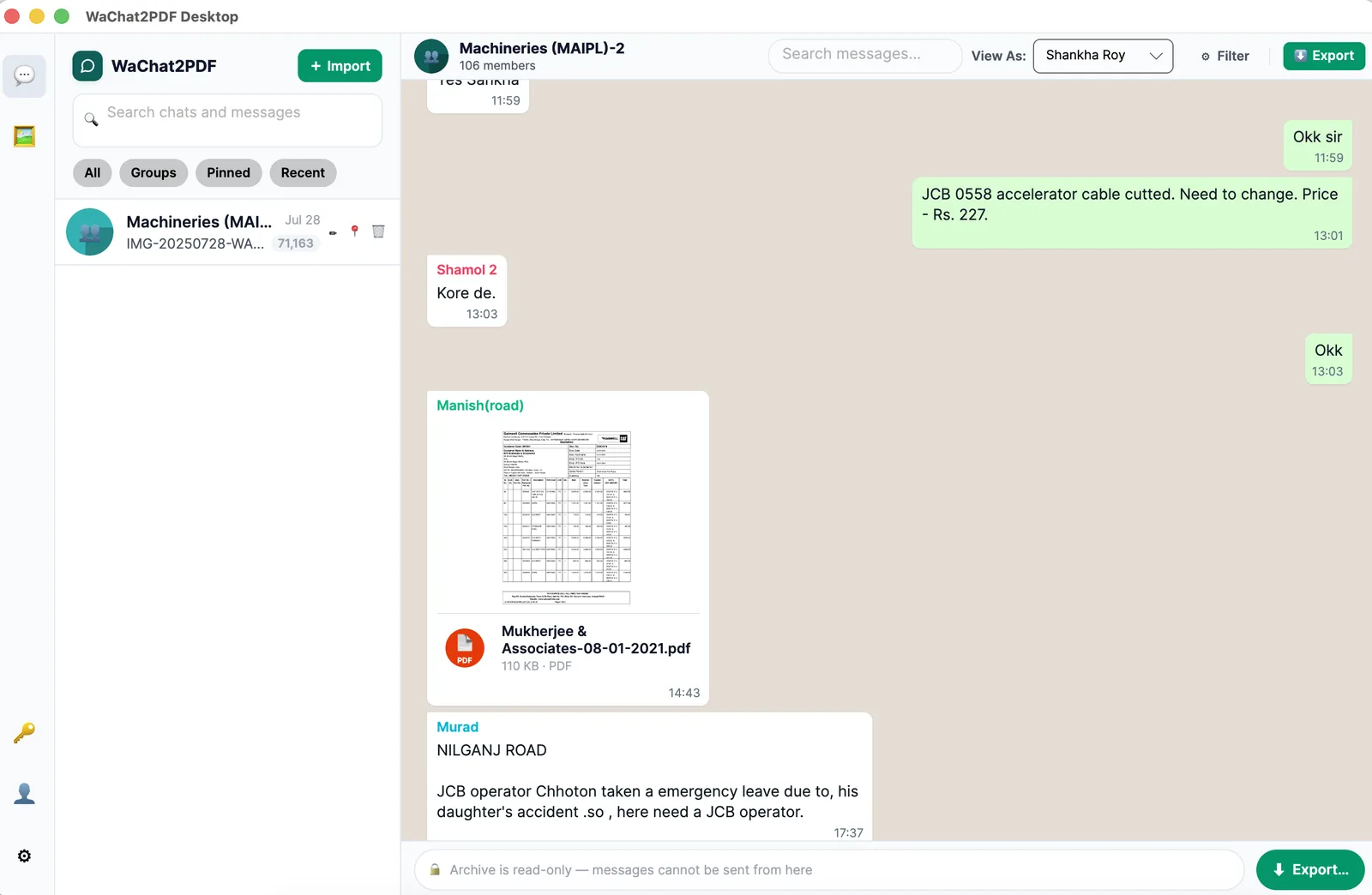
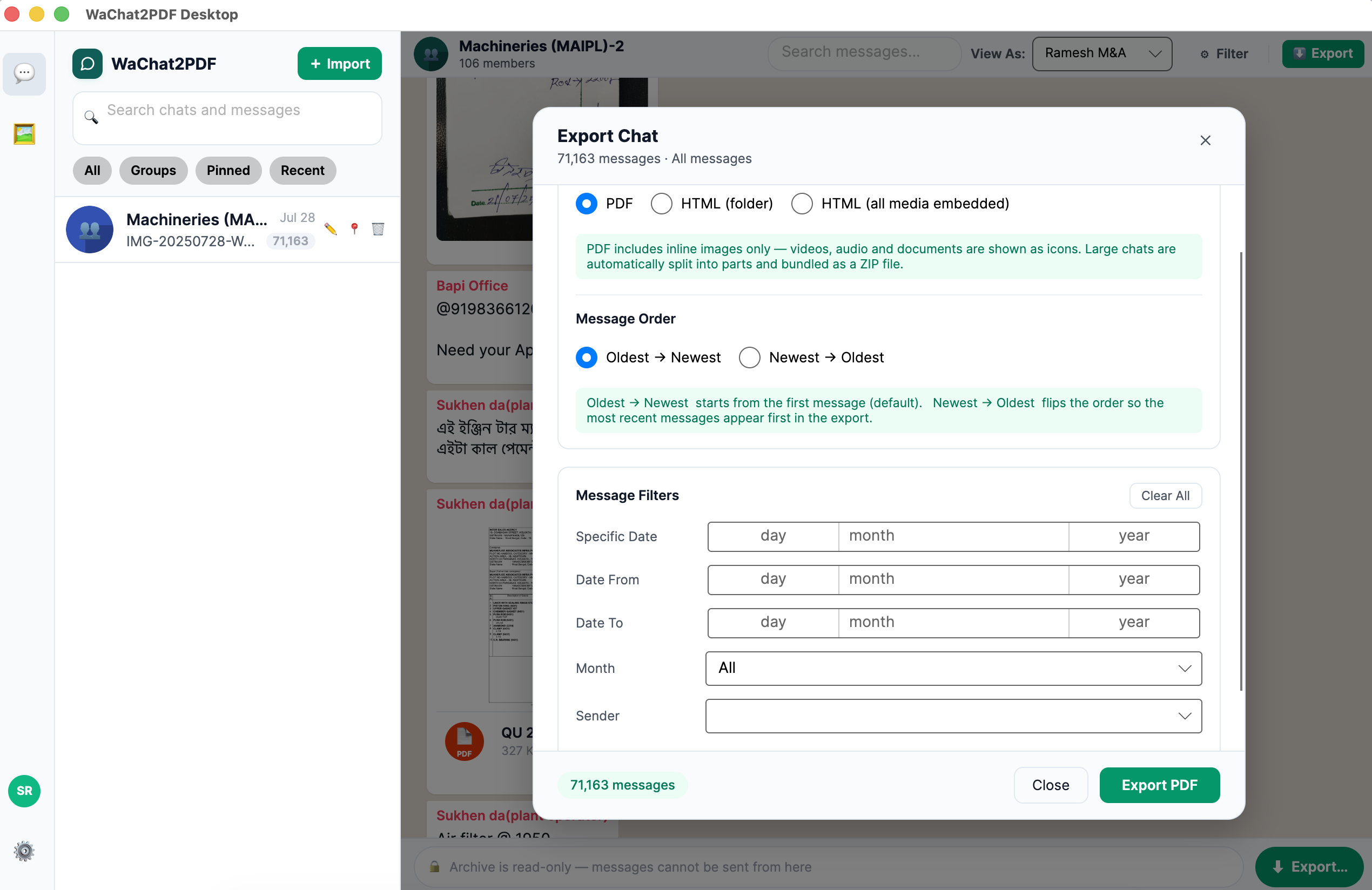
A clean desktop interface with WhatsApp-style bubbles.
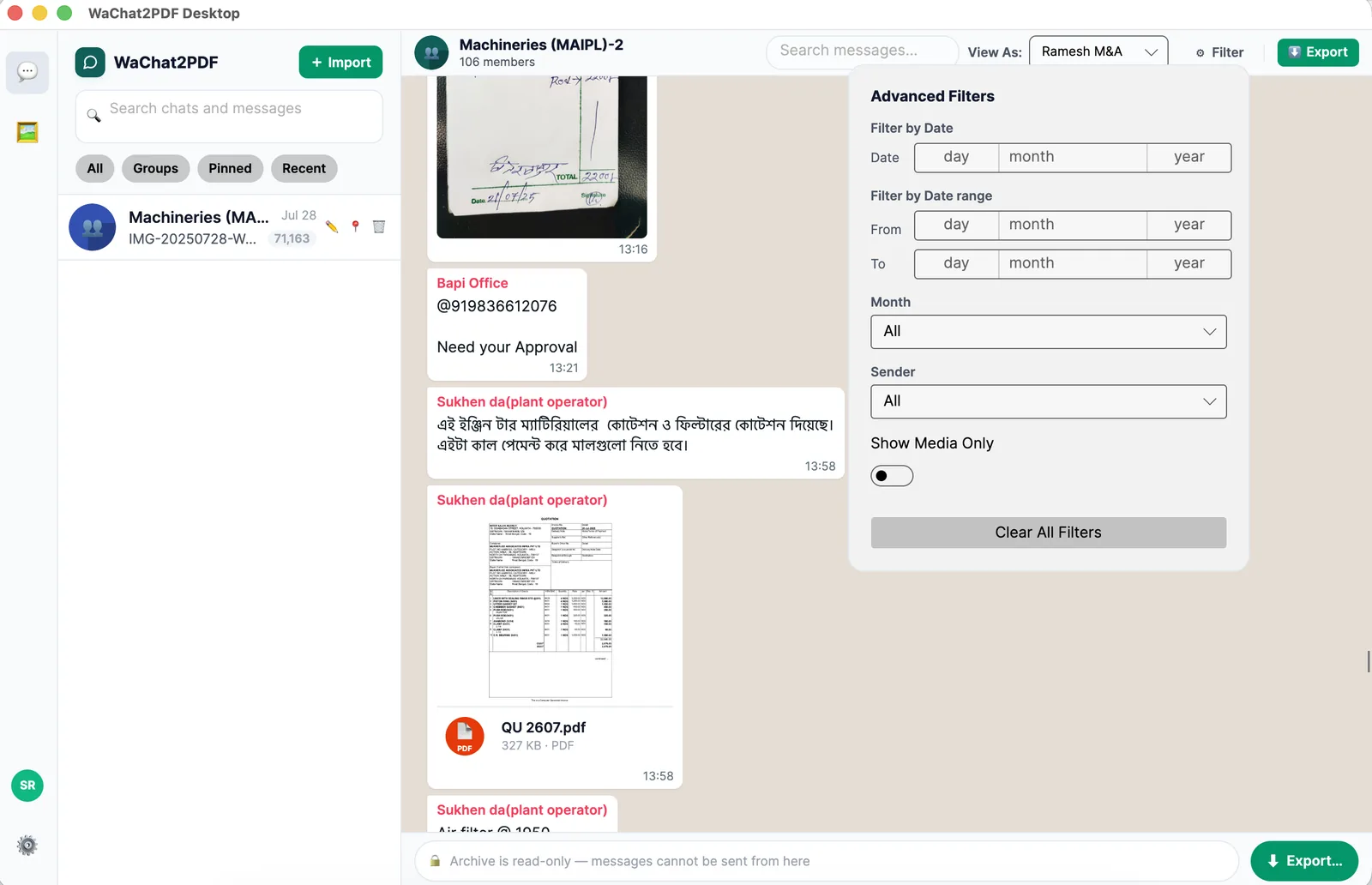
Find any message by text, sender or date range.
A polished, shareable PDF with media embedded.
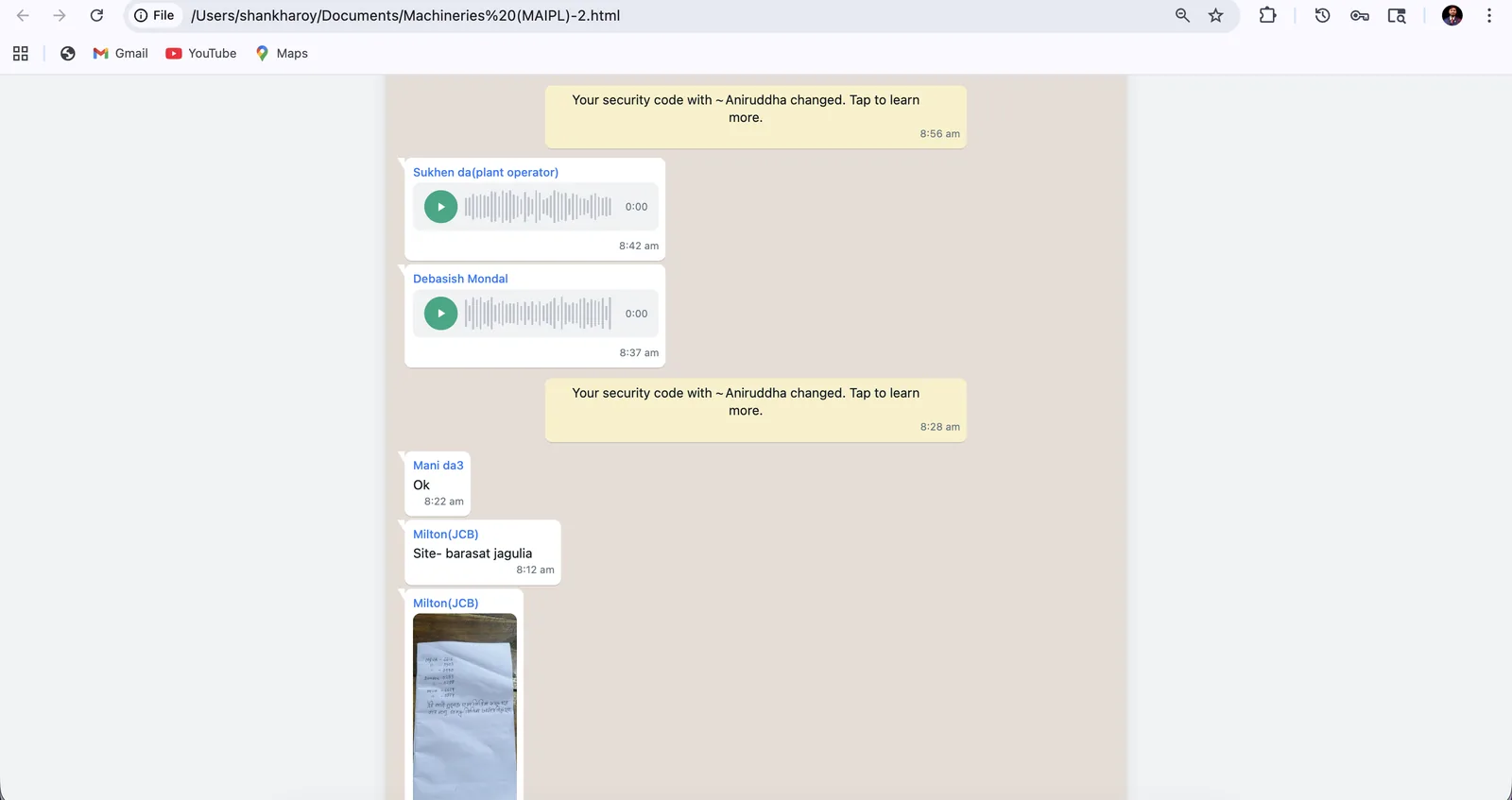
A standalone file that opens in any browser with full styling.
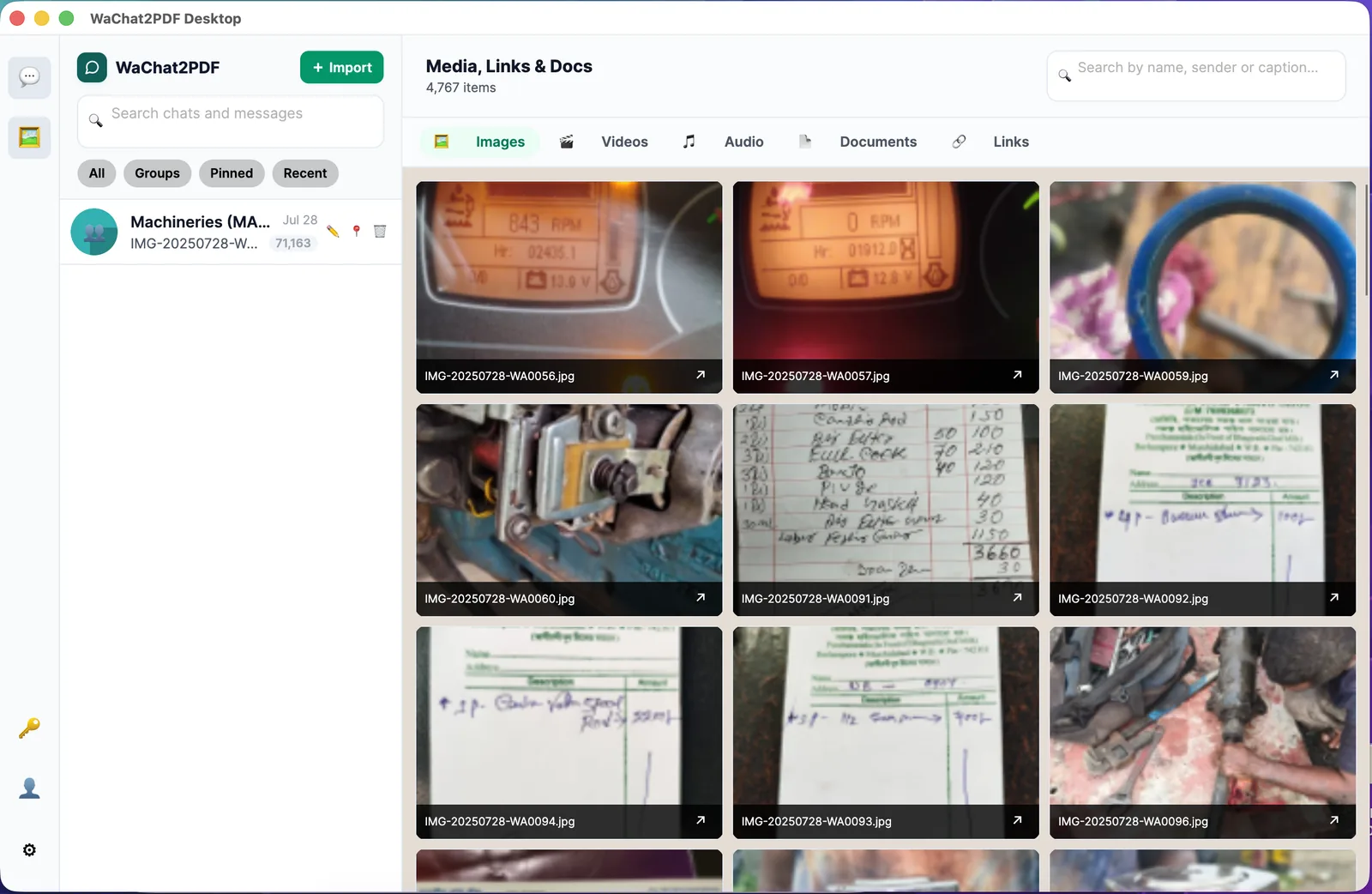
Every image, video, audio file and document in one place.
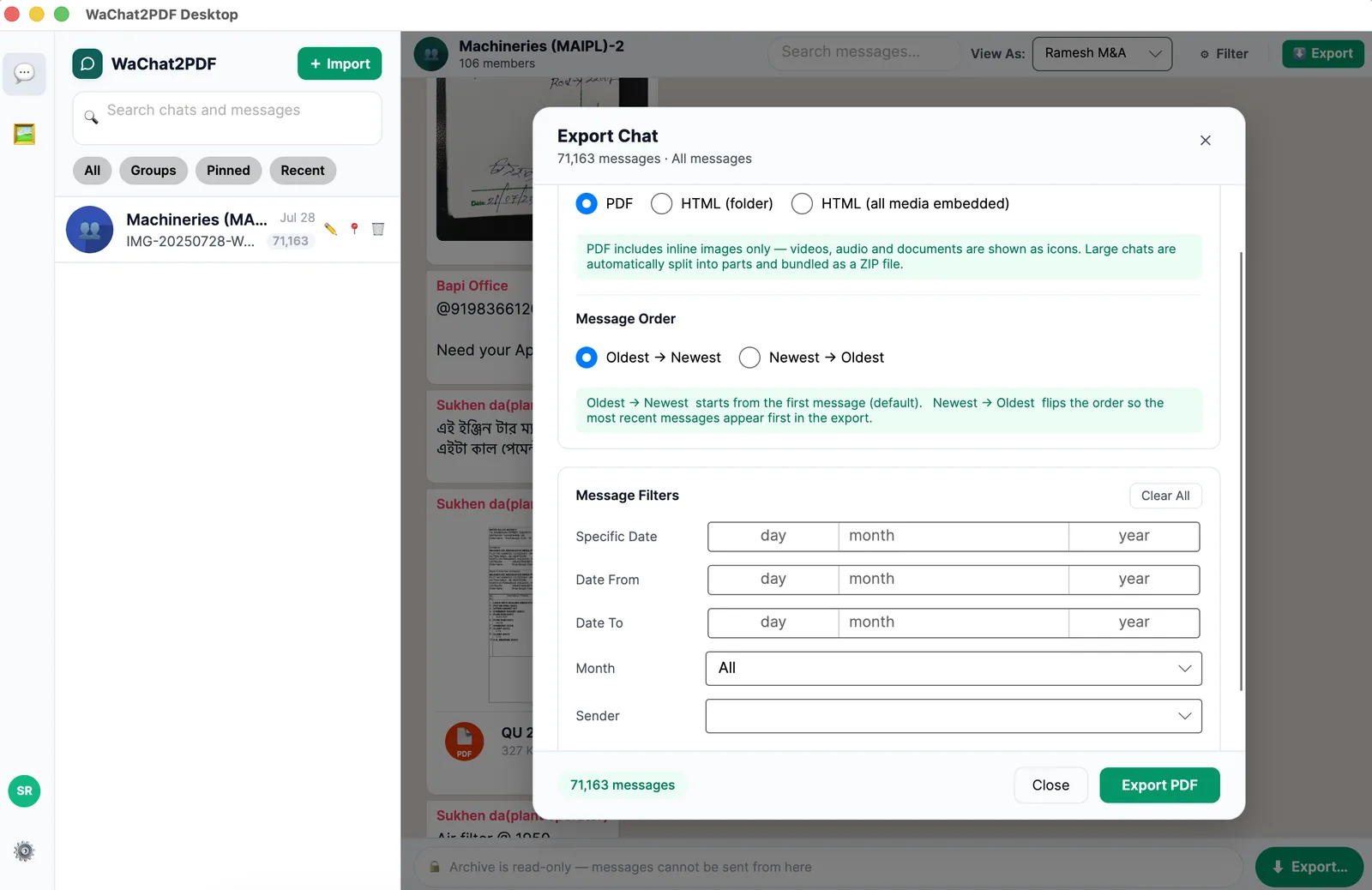
Choose PDF or HTML, message order, dates and senders.
Process multi-gigabyte exports offline on your own computer, keep a library of chats, and export to PDF, HTML or MHTML without limits.
Yes. Viewing happens entirely in your browser. The file is read on your device and is not uploaded to any server.
On Android, open the chat, tap ⋮ → More → Export chat. On iPhone, open the chat, tap the contact or group name → Export Chat. Choose Include media to get a .zip with photos and files. See the step-by-step tutorial.
Upload the .zip if you exported with media, so photos, videos and documents show inside the chat. A .txt file shows text messages only.
Yes. Viewing, searching and filtering chats is free with no account. PDF export is provided by WaChat2PDF, which includes 3 free exports of the latest 100 messages.
Yes. It works in any modern browser on Android, iPhone, Windows, Mac and Linux. For very large exports, a computer or the WaChat2PDF Desktop app is faster.
Free, private and ready in seconds. No account needed.
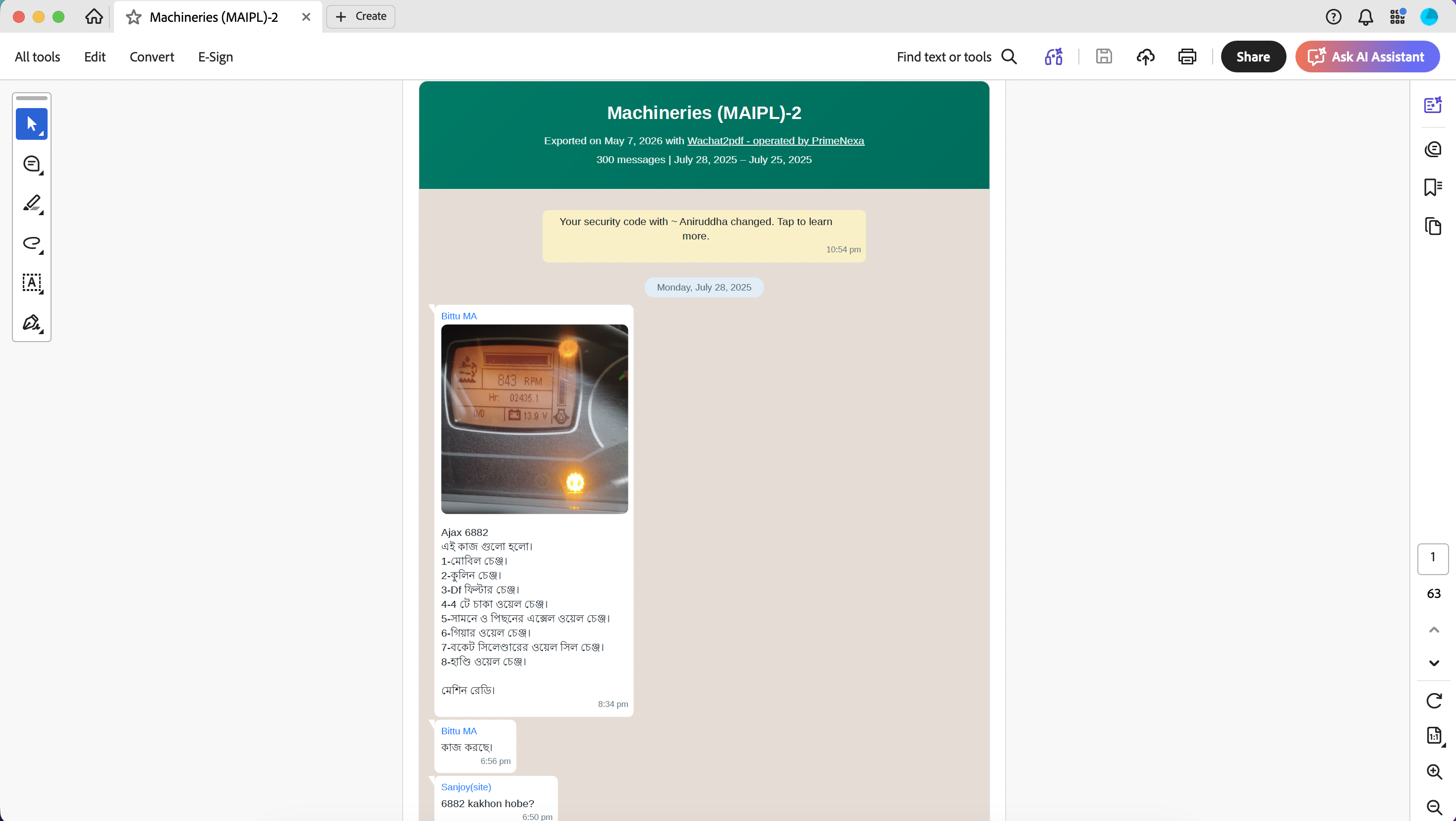
See your chat as a polished export
WaChatViewer shows your chat — WaChat2PDF lets you keep it forever
WaChat2PDF
for iPhone & iPad
Read and export WhatsApp chats on your iPhone